AsterwynThe tester's companion

Simple Menus / SM27 · 27 September 2026

Fewer clicks.
More adventure.

The forge and Games have simpler everyday choices. Try one useful thing, then leave a clear note.

Published · ready for playtest

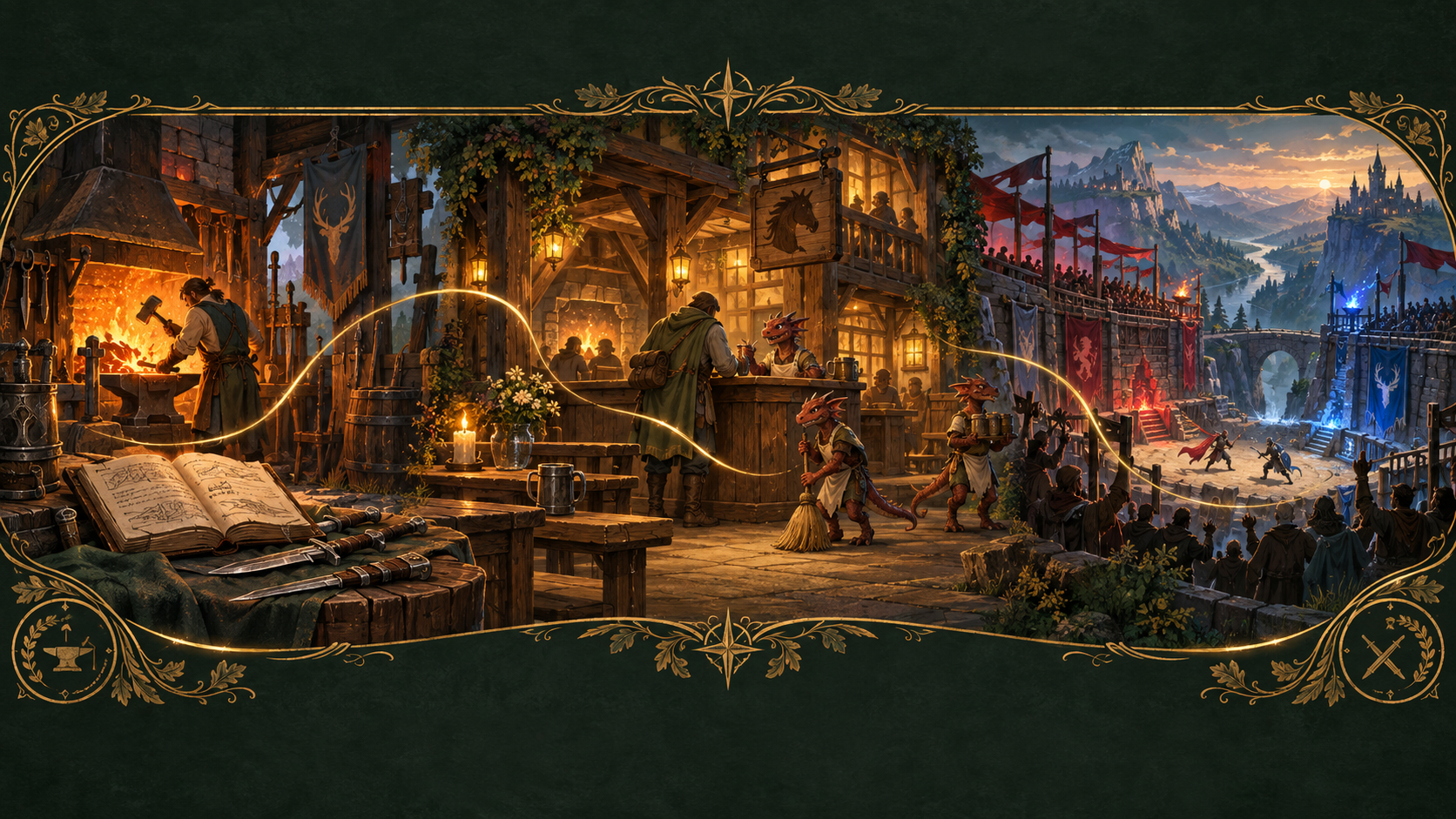
Painted journey from a forge and ledger, through an inn with kobold keepers, to a red-and-blue arena
Concept artwork for the field guide · not an in-game screenshot.

Two small missions

Less menu.
More doing.

The new actions are deliberate: the handle consumes deposited goods, Craft spends the displayed cost, and Submit starts a match. Looking and backing out spend nothing.

5minutes / approx.

Look around.
Keep your things.

  1. In Mercy Square, open your Ledger. Compare the written balances with Advanced, then close it. Open the wallet check →
  2. At Bramm, inspect a recipe and its cost without crafting. Open the bin and put nothing in unless you intend to try the full forge visit.
  3. At the Games, inspect a preset or Advanced without submitting. Note any clipped text or confusing return route.

This is a preview visit. It cannot certify actual salvage, crafting or countdown behavior.

Before you start: No spending or salvage required. Bring your usual PC or Steam Deck settings.

15minutes / approx.

A useful trip
to Bramm.

  1. Put an ordinary unwanted item into the real salvage bin; retrieve it before pulling the handle. Deposit it again only when you want it consumed.
  2. Close the inventory and pull the nearby handle once. Wait for the short materials summary. An empty pull must not credit again.
  3. Choose an affordable recipe, read its full cost and Craft once. Check the item and wallet, then record what happened. Open the complete forge check →

Allow time for notes. Missing supplies or an unavailable protected-item example can leave a step unobserved; no recovery stress test is needed.

Before you start: A disposable unequipped item, plus the displayed materials and gold if you want to craft. Whole stacks are consumed.

Mercy Square / Bramm’s forge

A bin with an
actual inventory.

Use the Tester’s Compass to reach Mercy, then walk to Bramm. The salvage barrel and its separate handle are beside his forge.

Deposit. Keep what you want. Pull.

  1. Open the bin and place your own unwanted ordinary goods inside. Until you pull the handle, you can take them back.
  2. Close the inventory and pull the nearby handle once. Wait for the completion message before doing anything else.
  3. Read the short material summary and your Ledger balance. The accepted stacks should be consumed and credited once.

A normal dagger returns 2 Worked Metal, 1 Seasoned Timber and 1 Cured Hide. Depositing or retrieving it alone earns nothing. The empty handle gives no second reward.

One Craft action

Read the cost.
Make the item.

Bramm → ordinary crafting → category → recipe. The item result, materials and gold are shown together. Back costs nothing; the cost-labelled Craft button is the one spending action.

The completion message should name the item. The recipe list stays available; there is no second Confirm or receipt-page journey.

Wallet and Advanced · Salvage and crafting

A precise menu check

Weapons, Page 3:
Light mace.

After visiting the bin, inspect a recipe in each crafting category. Then open Weapons → Page 3 → Light mace.

Every choice must show its own crafting result and cost. None should open salvage or act on the last item you put in the bin. Light mace must stay Light mace.

You can inspect this without spending. If reporting a wrong route, include the category, page, selected recipe and the screen that appeared.

Starshine Games / spectator terrace

Choose your teams.
Submit once.

Allow about15minutes for a relaxed Games visit. Use the Compass’s Battle Meadow spectator entrance, then your Programme or the Steward. No wager is required.

A ready-made contest.

  1. Open Quick Match and select a preset. Its teams are shown before you commit.
  2. Choose Submit once. The actual contestants prepare briefly; their checked roster then starts the existing ninety-second countdown automatically.
  3. Read the odds or watch. There is no separate Prepare or Start button. The final bell remains a separate phase.

Choosing teams never places a wager. Betting remains optional with its own exact side, stake and return.

Your own companies.

  1. Use Advanced for custom teams, conditions, character or party challenges.
  2. Choosing a creature’s quantity adds it directly to the visible team list. Use Remove or clear if you change your mind; there is no “Yes, add” page.
  3. Finish Team B and choose Submit. The same validation and countdown follow.

Other players still consent to a party challenge. Challengers must be ready and reach the marked ground before the bell. Very uneven teams remain wager-free exhibitions.

If the field becomes busy while you have a draft, it stays saved. Wait for the field to clear; there is no player queue. The custom/busy step may need another visit rather than forcing a second match into this session.

A useful result

Say what
you actually tried.

Earlier notes and results remain in the journal. A new request for a look does not erase a previous observation or turn a delivered fix into a player pass.

01

Name the route.

Which NPC, container, button or recipe? What did you click immediately before it? For the Games, include whether the field was free, preparing or already counting down.

02

Show the difference.

A screenshot or short clip helps with wrong menus or clipped controls. Add it to the signed-in journal; private tester evidence is not published in this guide.

03

Keep gaps visible.

If you only browsed, say so. Use Skipped for now with “not observed” for a missing condition, or leave the case unchanged. Use Could not test for a real prerequisite or access problem.

Evidence and limits

A successful release check is not a substitute for how the game feels in your hands.

This guide uses concept artwork, not client screenshots. Native checks can establish roster timing, item ownership and transaction behavior; actual PC/Steam Deck interaction, appearance and heard audio still need observation in play. No NWN client was operated to make this guide.

Published 2026-09-27T05:22:14.262508+00:00 · module 747b773327e7e377.

Release steps and evidence →

BF27 companion: broader repairs and earlier visits →

That edition is retained as history; its older forge and team-submission directions are superseded by this pack after SM27 publishes.